공부/Spring
RESTful Web Service 개발 - Java Persistence API 사용_1
데부한
2023. 1. 25. 22:27
반응형
Spring Boot를 이용한 RESTful Web Services 개발
Java Persistence API 개요
- JPA
- Java Persistence API의 약자
- 자바 ORM 기술에 대한 API 표준 명세
- 관계형 데이터베이스를 사용하는 방식을 정의한 인터페이스
- 인터페이스이기 때문에 클래스 내부에는 메서드 선언 밖에 없고 기능을 사용하려면 구현체를 만들어야한다.
- EntityManager를 통해 CRUD 처리
- Spring Data JPA
- Spring Module
- JPA를 추상화한 Responsitory 인터페이스 제공
JPA 사용을 위한 Dependecy 추가와 설정
JPA 라이브러리 추가
- build.gradle
스프링 프로젝트를 생성했을 때 dependecies에서 JPA와 h2를 추가했다면 build.gradle에 이미 아래 코드가 있을 것이다.
// JPA
implementation 'org.springframework.boot:spring-boot-starter-data-jpa'

// h2
runtimeOnly 'com.h2database:h2'
- application.yml
spring:
  messages:
    basename: messages
  mvc:
    pathmatch:
      matching-strategy: ANT_PATH_MATCHER
  jpa:
    show-sql: true
  h2:
    console:
      enabled: true
서버 재실행 후 크롬에서 확인. (http://localhost:8088/h2-console)

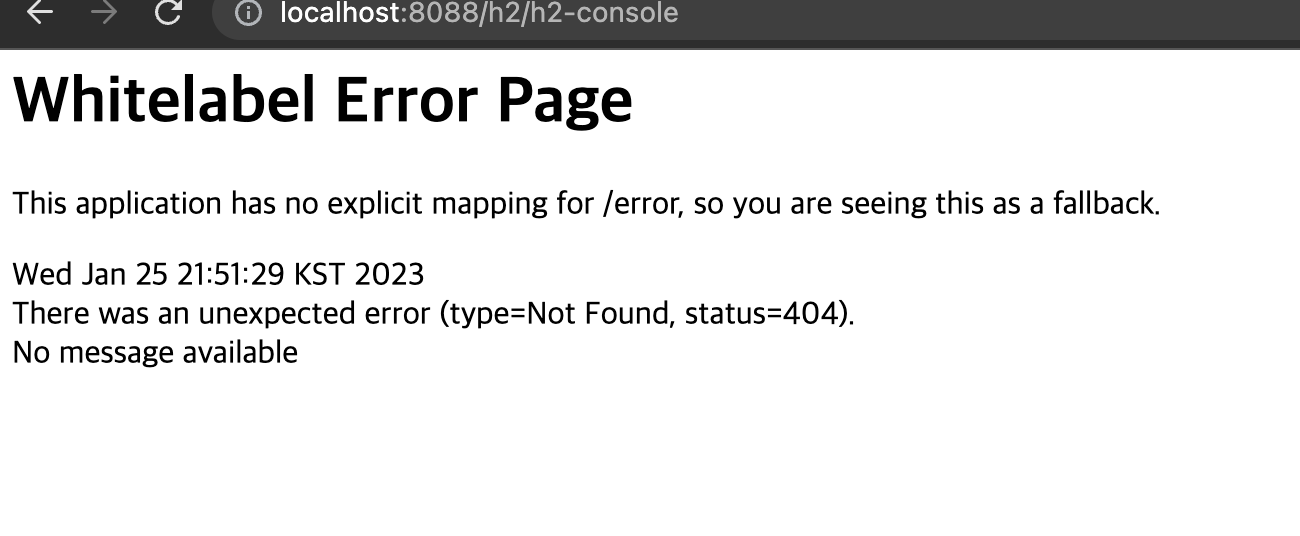
전 시간에 배웠던 Security 관련 소스를 없애아지먄 id, pw가 정상적으로 들어갔는데도인식하지 못한다.
Security와 관련된 소스를 다 주석처리해주면 된다. 아니면 SecurityConfig에 몇가지 설정만 추기하면 된다.
- SecurityConfig.java
protected void configure(HttpSecurity http) throws Exception {
    http.authorizeRequests().antMatchers("/h2-console/**").permitAll();
    http.csrf().disable();
    http.headers().frameOptions().disable();
}
서버 재실행 후 크롬을 확인한다.
이리 저리 검색해본 결과 결국엔 application.yml에서 잘못된 설정이 있거나, depth를 안맞추고, 라이브러리를 하나 덜 추가해서 그렇다.
- build.gradle
implementation 'org.springframework.boot:spring-boot-starter-jdbc'
- application.yml
protected void configure(HttpSecurity http) throws Exception {
    http.authorizeRequests().antMatchers("/h2-console/**").permitAll();
    http.csrf().disable();
    http.headers().frameOptions().disable();
}
- application.yml
spring:
  messages:
    basename: messages
  mvc:
    pathmatch:
      matching-strategy: ANT_PATH_MATCHER
  jpa:
    show-sql: true
  h2:
    console:
      enabled: true
      path: /h2-console
  datasource:
    driver-class-name: org.h2.Driver
    url: jdbc:h2:mem:testdb
    username: sa
    password:
서버 재실행 크롬 확인
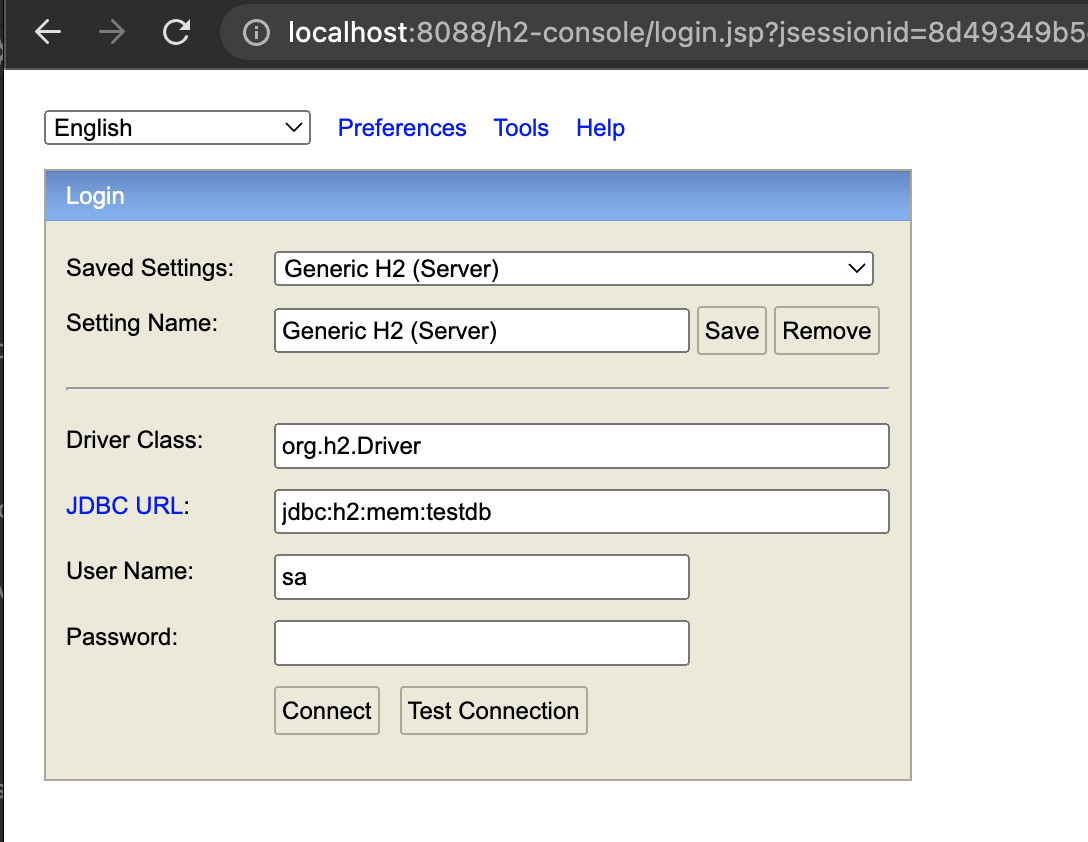
Test Connetion을 클릭하면 또 에러가 발생했다. 뭐가 문제일지 생각해보다가 콘솔을 보니 Security 인증이 문제였다. 저번에
WebSecurityConfigurerAdapter 클래스를 상속 받지 않았었는데 이게 문제인가 싶어 상속받아보니 정상적으로 실행됐다.
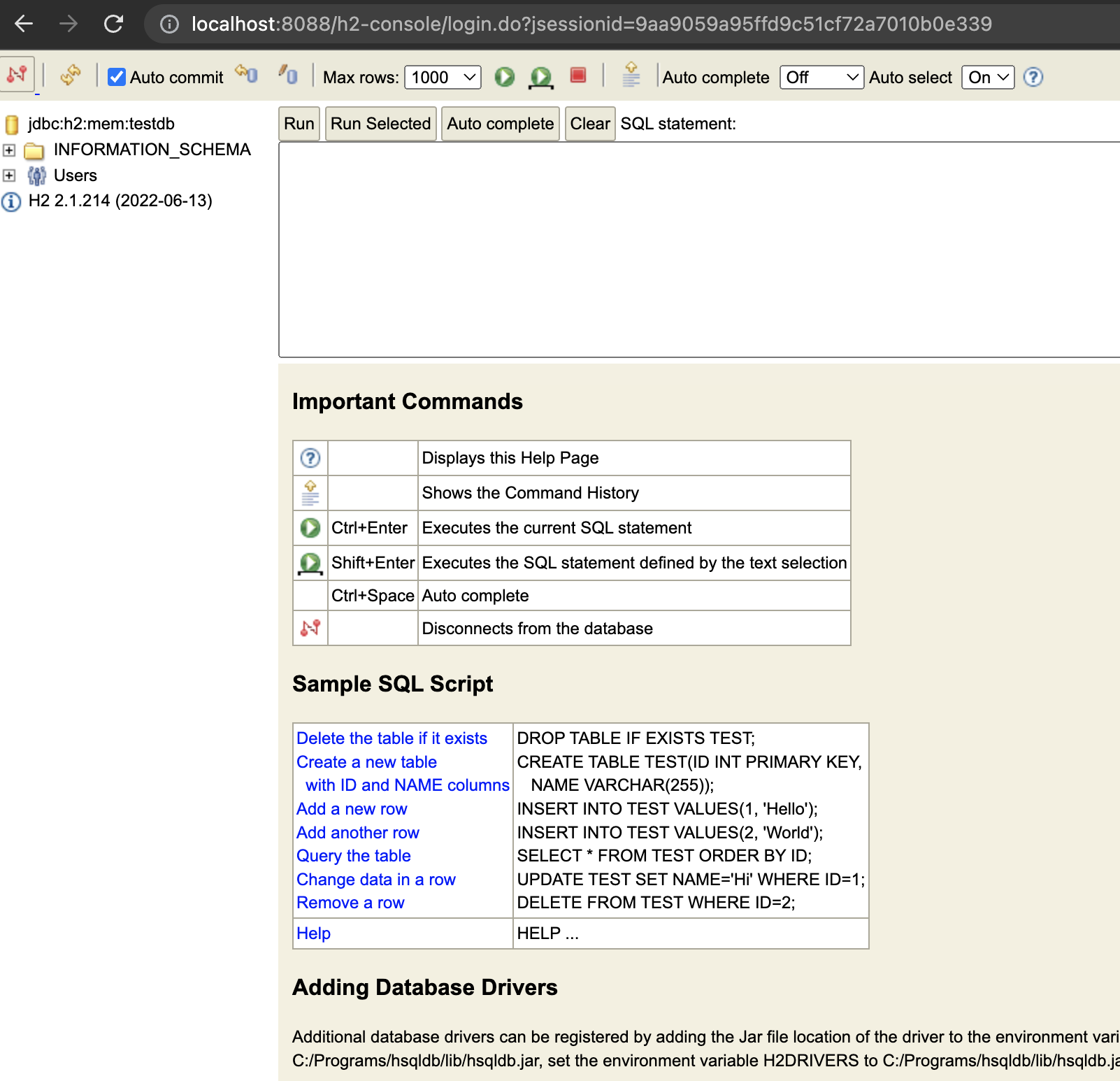
아.. 강의는 되게 짧은데 예전 springboot 버전을 사용한 강의라 에러 해결하는데 시간이 너무 오래걸린다...
이것도 또 하나의 경험이겠지. 다음에 마저 해야겠다.
- 출처 : 인프런 Spring Boot를 이용한 RESTful Web Services 개발 강의
반응형